การเริ่มต้นเล่นเกม ตั้งแต่เข้าเกมถึงสร้างตัวละคร
This are the parts wherein you will enter the game the first time. This guide will preview how to install, patch, log in and create a character in the game. ( Images are still in chinese text for the purpose of describing which part to be followed. )
Lets get started.
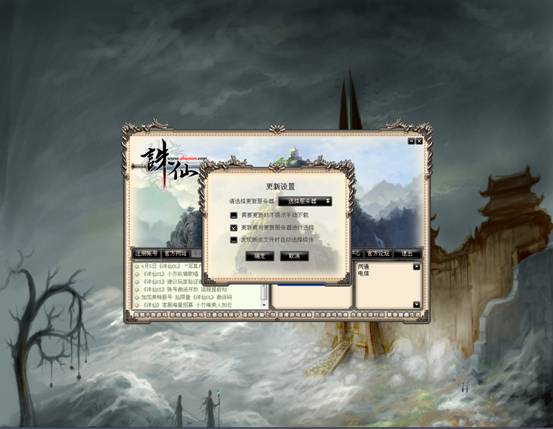
 After the game installed, ZX icon will appear on the desktop. Double-click the icon will appear on the screen to update the game, if the need to update the game, there will be updated server box to choose, you can choose your update Server for updates.
When you install the game, running for the first time, the game will automatically detect updates, detects when there are updates, it will pop up automatically updated interface settings, choose the good and in line with its own network of servers to be updated, so as to ensure the update rate.

If you choose to manually update, first of all need to download the update patch, and then click manually upgrade.
Click on the updated manual, please select the appropriate path to patch storage, you can click this to open.

When the file of the game led to an error pop-up or other problems such as it cannot run, use the version of the verification, but the version of the verification may take longer to you, just please be patient.
Click to verify version will verify the version of the pop-up interface, you can choose.

After the completion of the update, please update the screen in the lower right choice for your area of the game, and then click on the “start of the game.”
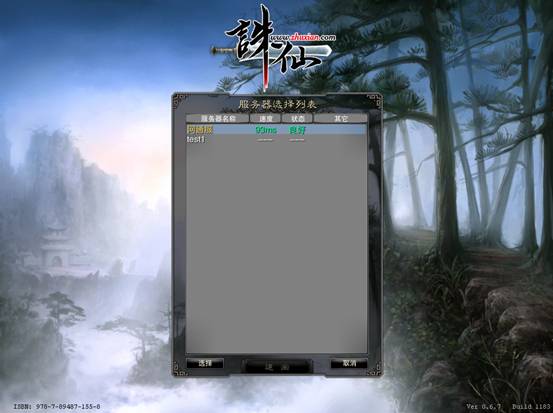
After entering the game screen, first of all choose to enter the server.

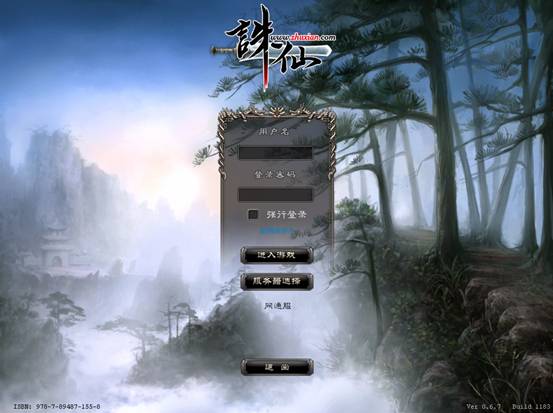
Enter your user identification and password

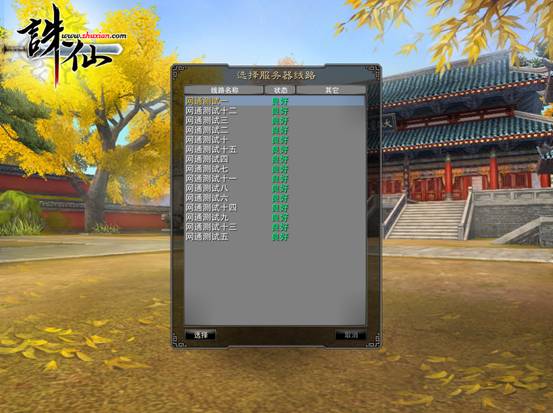
Choose Server Channel to enter ( If applicable in English version )

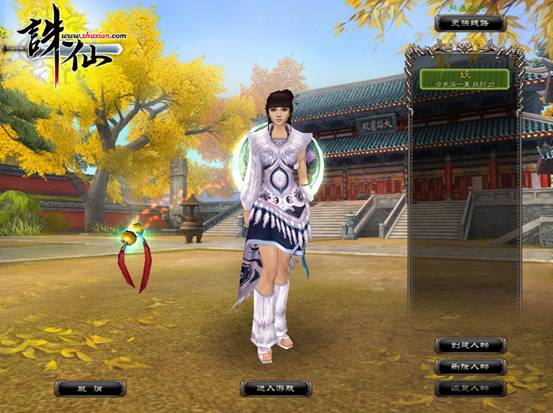
Then you will prompt to Character Creation Screen

At Character Selection and Creation, To create a character, first of all characters in the interface, click to choose “to create characters.”

After the creation of characters will be the interface, where players can create their own characters for face, hair, gender selection.

Then choose to create a character, in the bottom of the avatar you need to input your in-game character namei then click “OK”.
 After the character has been created, Click Ok then you will prompt to character selection screen. Then you can now Play the ZX Online.
Enjoy the game !~
ที่มา zxmania.wordpress.com